UI/UX Design in 2026: Beyond the Hype
The UI/UX landscape is always shifting, but some currents run deeper than others. As we approach 2026, the focus isn't just on new tools or fleeting trends, but on fundamental shifts in user expectations and technological capabilities. Teams that win will be those who integrate advanced tech thoughtfully, prioritize genuine accessibility, and build experiences that feel less like software and more like natural extensions of user intent.
10 Sharp Tips for UI/UX Teams in 2026
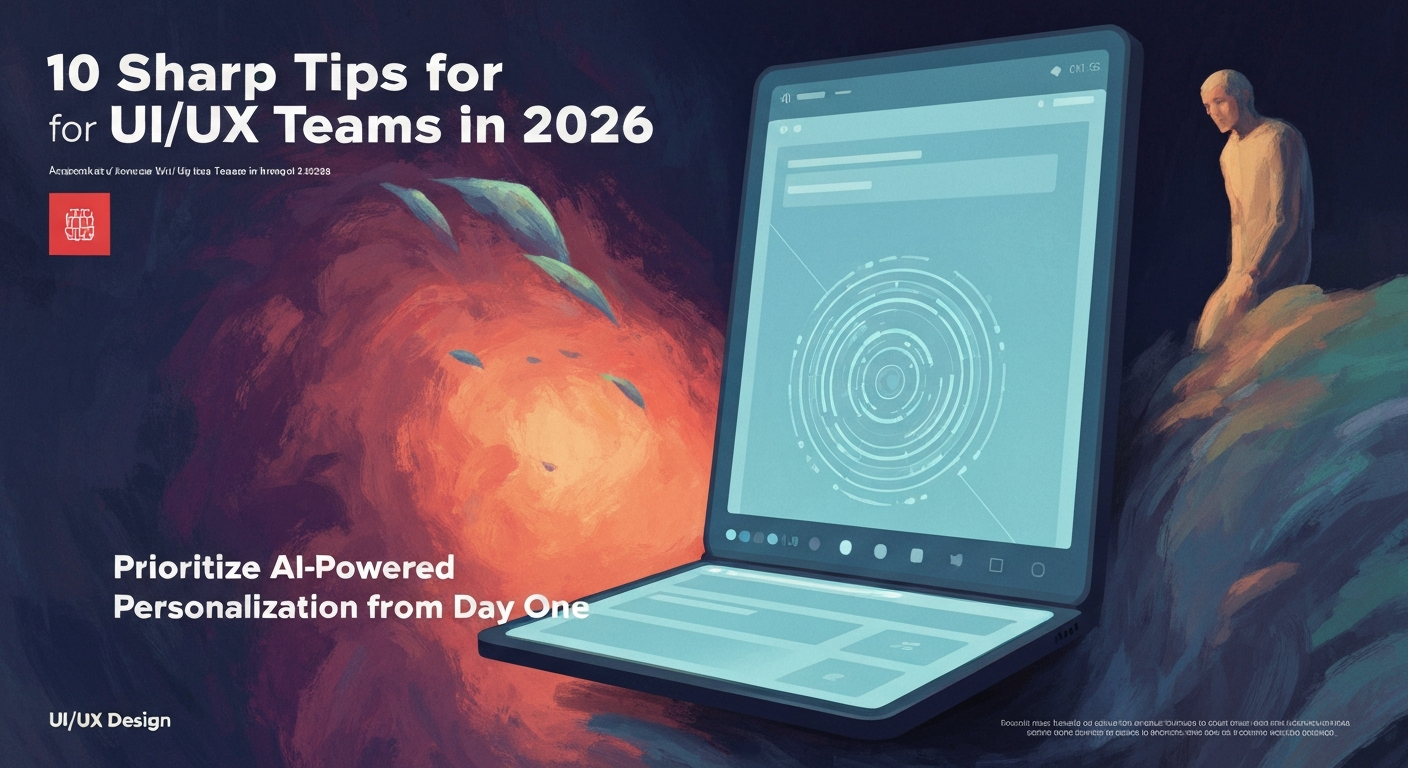
Prioritize AI-Powered Personalization from Day One
Don't bolt AI onto an existing experience; design with it in mind. Leverage real-time user data and machine learning to dynamically adapt interfaces, content, and workflows. Think Netflix's recommendation engine, but for every interaction, making the experience feel uniquely tailored.
Master Multi-Modal Interactions
Voice, gesture, haptics, and even glance detection are becoming standard. Design interfaces that fluidly switch between input methods, anticipating user context. For example, a retail app might let a user search by voice, browse with gestures, and confirm a purchase with a fingerprint.
Embrace Generative AI for Prototyping
Tools like Midjourney and DALL-E aren't just for art; use them to rapidly generate diverse visual concepts and even low-fidelity wireframes. This accelerates ideation and allows designers to explore more divergent paths before committing to high-fidelity mockups. It's about quantity of quality concepts, fast.
Integrate Real-Time User Feedback Loops
Move beyond post-launch surveys. Implement micro-feedback mechanisms directly within the UI, using tools like Fullstory or Hotjar for continuous insight. A small "was this helpful?" prompt after a key interaction provides immediate, actionable data.
Design for Explainable AI (XAI)
When AI drives decisions or recommendations, users need to understand why. Design transparent interfaces that reveal the logic behind AI outputs. This builds trust, especially in sensitive domains like healthcare or finance, where a "black box" approach is unacceptable.
Focus on "Zero UI" Moments
The best UI often disappears. Design for scenarios where the system anticipates needs and acts autonomously, minimizing direct user interaction. Think smart home devices that adjust lighting based on time of day and presence, requiring no manual input.
Build with Accessibility as a Core Constraint, Not an Afterthought
Universal design isn't just good practice; it's a competitive advantage and often a legal requirement. Integrate WCAG 2.2 standards from the initial sketch, ensuring robust contrast, keyboard navigation, and screen reader compatibility. Retrofitting is expensive and inferior.
Leverage Spatial Computing Principles
With AR/VR gaining traction, understand how users interact in three-dimensional spaces. Design for depth, scale, and environmental context, even for 2D interfaces that might be viewed on a large screen or projected surface. Think about how elements interact with real-world objects.
Standardize Design Systems for AI Components
As AI features become ubiquitous, create specific guidelines within your design system for integrating and displaying AI-generated content or actions. This ensures consistency and trust across different parts of a product. For instance, how do you visually differentiate human-written text from AI-generated summaries?
Measure Emotional Impact, Not Just Task Completion
Beyond traditional metrics, use sentiment analysis and qualitative research to gauge user emotions during interactions. A user might complete a task quickly but leave frustrated. Tools that track sentiment or qualitative surveys can reveal these deeper issues.
What to Stop Doing:
Stop designing in isolated silos without cross-functional input from AI engineers, data scientists, and business stakeholders. The era of the lone UX designer dictating the experience is over; integrated teams deliver superior, more robust products.